1:1: Does Research Exist?

Here’s a question that’s sometimes posed by parents new to the idea of technology use at school: Why does my child need technology in the classroom? Where’s the research?

BP Model.001

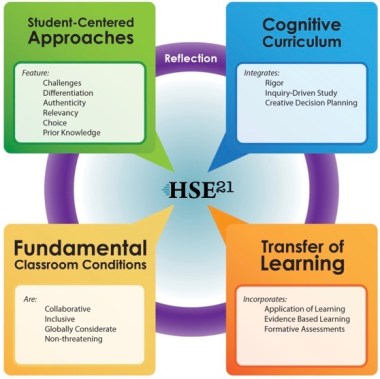
HSE Schools: Best Practice Instruction Model

An excellent, very legitimate question! Since most people don’t make a habit of digging into scholarly journals, and since peer-reviewed research doesn’t often catch the attention of popular media outlets, it’s easy to think that this research doesn’t exist. But it does! There is a large and rapidly growing body of evidence that educational technology, including 1:1 tech integration, leads to deeper and more personalized learning for all students – as long as the technology is used in ways consistent with best instructional practices.

For those interested in reading educational research, here is a short literature review with references to get you started. Happy reading!

Link: Technology Integration in Elementary Education – Current Literature


Thoughts on Screen Time for Young Learners

Question: What percentage of children six-and-under watch videos or play games on a screen daily? Take a guess, then read on!

IMG_2613Six-year-olds today will likely never know a world devoid of 24/7 information access. Digital connection is woven into daily life  and culture at every level, creating tension for parents and teachers alike. How does our warp-speed digital world square with childhood? Little ones need to stomp in puddles, hug favorite storybooks, and run with abandon in the sunshine! With all students, but especially with our youngest learners, it is imperative that we tiptoe carefully into the digital world.

And yet, according to The Pew Research Center’s Parenting in America report, released in December, 2015:

“Eight-in-ten (81%) parents with children younger than 6 say that their young children watch videos or play games on an electronic device on a daily basis.” (Pew Research, 2015, p. 14)

Eight-of-ten young children experience daily screen time consisting of videos and games. With this exposure, children are already building a mental mindset around the concepts of ‘smart phone’ and ‘tablet’,  and the most likely frame their young minds are giving to these tools is ‘entertainment device’. Video watching and game playing, even those deemed educational, fall into the category of media consumption.

If we are to prevent our children from screen addiction as teens, we must help them develop an alternate mental framework early on. We must help them to view digital devices first and foremost for production, and themselves as digital producers.

IMG_0231What’s a digital producer? Producers use technology to create and communicate, to research and collaborate, and to share new knowledge. Digital producers pick up a device to learn how to knit, Skype with an Iditarod racer, or take a virtual visit to Plimoth Plantation. Digital producers use devices to create pictoral scrapbooks, take part in online discussions, present projects, and learn the basics of coding! Children who have a digital producer mindset naturally reach for a device to write down a note, look up a fact, or capture an image of something worth remembering. This begs the question…

What will it take for children to develop as digital producers?  To instill the mindset of technology-as-learning-tool, we must begin when children are young.  We must help little ones to associate technology with production as opposed to entertainment – before the let-me-entertain-you Siren comes calling. Where better to teach young learners to be digital producers than by using technology in the classroom, as a tool for school – where learning, not entertainment, is the grand goal? Just a thought.

Reference:

Pew Research Center, December 17, 2015, “Parenting in America: Outlook, worries, aspirations are strongly linked to financial situation”.  http://www.pewsocialtrends.org/files/2015/12/2015-12-17_parenting-in-america_FINAL.pdf

Technology Integration in Elementary Classrooms: What Should a Parent See?

IMG_2908

Mr. Murch’s class ready to open the payload from their recent Stratostar balloon launch. http://www.stratostar.net

When I speak with friends and neighbors about the role of technology in primary classrooms (secondary as well, for that matter), I often return to the words extend, deepen, and amplify. Digital devices (iPads, for example) are tools that,  when used wisely, will extend, deepen, and amplify student learning in powerful ways. Connected devices allow questions to be answered in-the-moment. Inquiry takes place all day long – and students have access to the most up-to-date information the world has to offer. In that realm, teachers can coach students on the close reading of digital text, helping them grow in their ability to evaluate sources of information, a key skill our children need to be #futureready.

IMG_2770

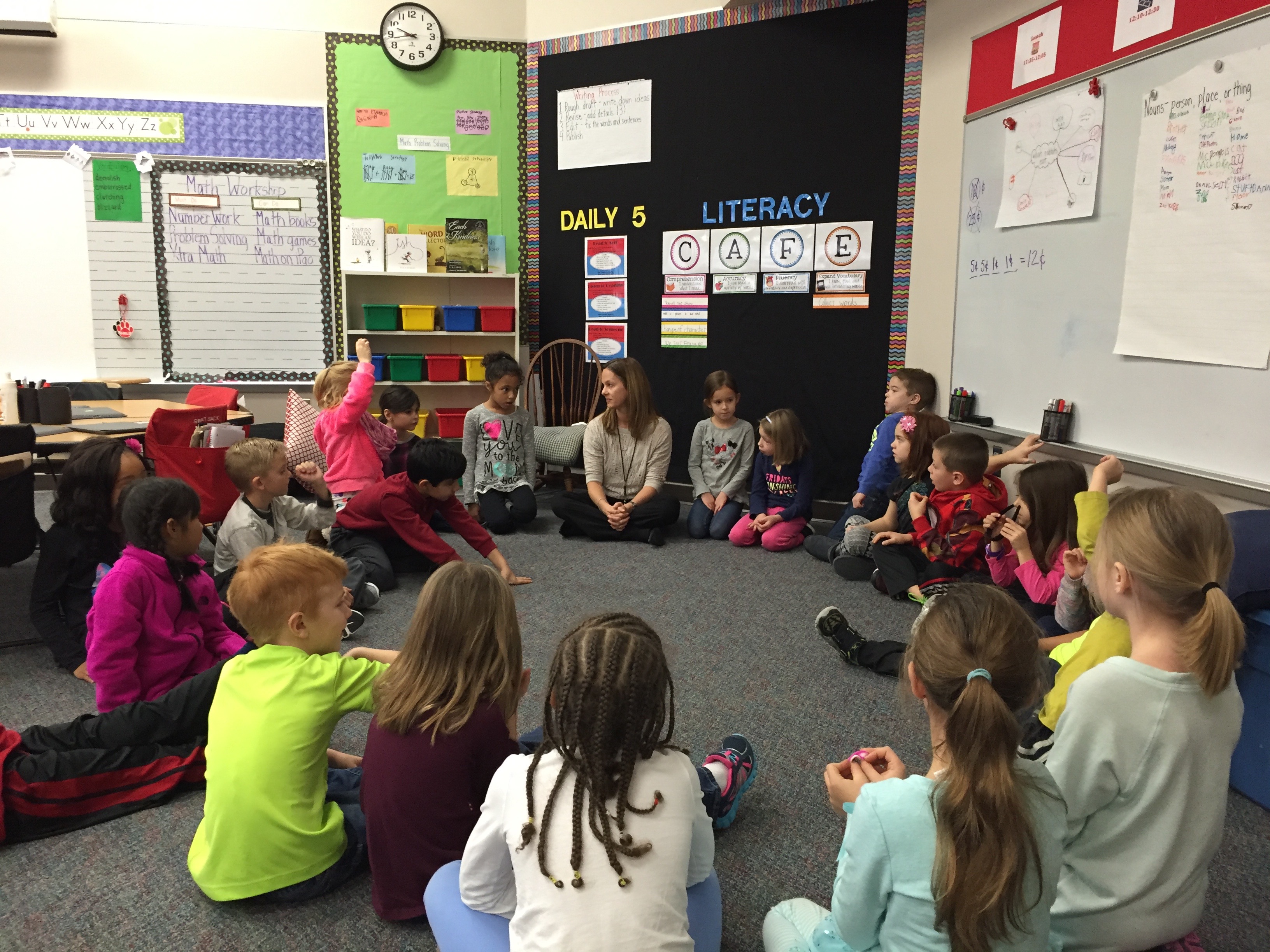
It’s Community Circle time in Mrs. Gibson’s first grade class.

When technology is integrated meaningfully into instruction, children have the ability to explore topics that are personally relevant and interesting. They can work together to design creative presentations; learning can be shared easily with friends and family near and far. Students with devices can use audio and video to explain their thinking processes as they solve problems. They can visit other nations, or explore oceans’ depths and the reaches of space.  They can collaborate with and learn from professionals and other students around the globe.

Technology in elementary classrooms should never be reduced to mindless, electronic skill & drill. Parents, when you enter a K-4 classroom, you should feel that you are entering a 21st century learning lab. Think of it this way. Often, children use electronics as consumption devices – playing games or watching videos, for example. In school, devices are not meant for consumption but for production – a place to design and build in new ways.

Introducing a 1:1 technology model in elementary schools is about two things: 1) equipping 21st century children with the skills they’ll need for their futures; and, 2) using modern resources to break down classroom walls — extending, deepening and amplifying learning for all. This is what you, as parents, should expect to see. #bestinstructionalpractices #HSE_21

How Do Our Kids View Technology – Toy or Tool?

The thoughts below are my own; they are not intended to represent the views of HSE Schools.

A decade ago, when Facebook was new and my children were on the cusp of adolescence, my husband and I had decisions to make. These weren’t new decisions, merely the next phase of parenting conversations we’d had periodically over the years. Our essential question went something like this: What did we, as a family, believe about media and technology, and what would be the parameters of media use in our home? 

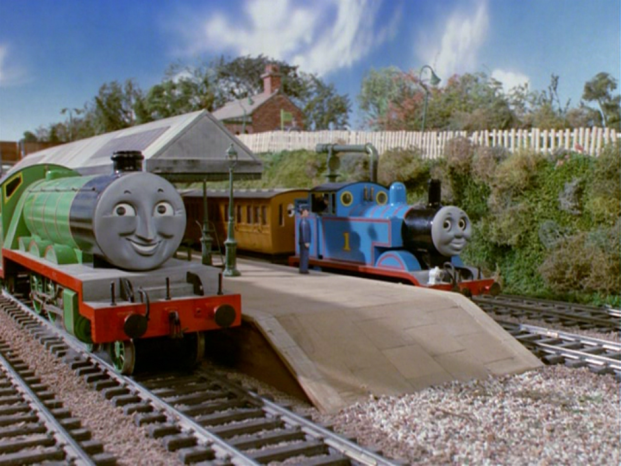
Thomas-FriendsIn 1989, when Eli made his appearance, ‘media’ meant time spent watching Sesame Street, Thomas the Tank Engine, and Reading Rainbow on PBS. In Eli’s preschool years, he adored Thomas the Train; but there was never a danger of media overload…Thomas was only broadcast for one half hour a day. Digital parenting was easy.

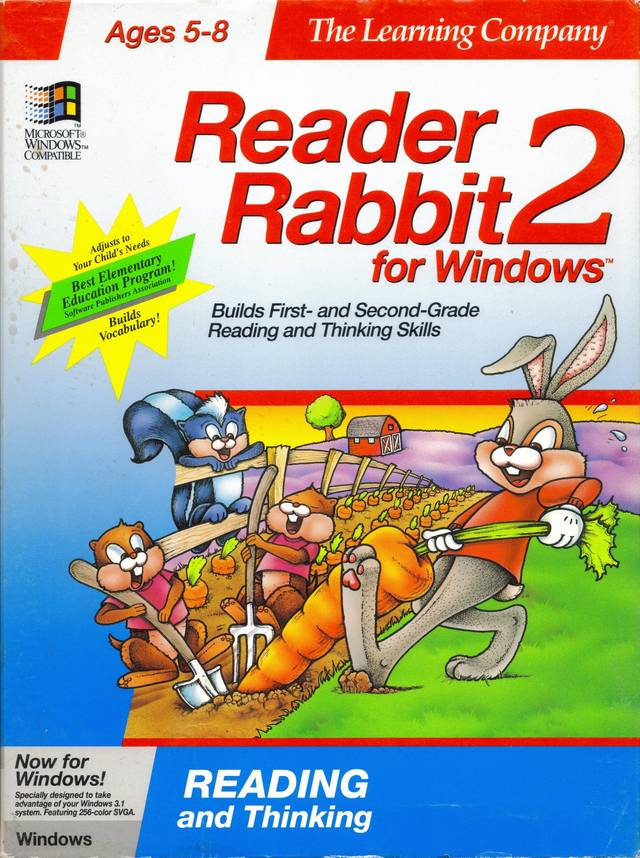
Several years passed. Media options were exploding, and our now three children seemed to gravitate toward any and every screen in eyeball range. We 97749_frontWhere_in_Time_is_Carmen_Sandiego-_1997_Coverresisted cable television, choosing instead to spend our media time playing Where in Time is Carmen Sandiego? and Reader Rabbit on the desktop. My husband and I did have to set computer time limits, but screen time still had a clear definition (time watching media or playing digital games) and it was still easy for us, as parents, to maintain parameters.
Navigating the digital world  is not so easy for parents in 2016.  In the years since my children were young, digital tools have become woven so intricately into modern society, and into our personal and professional lives, that the concept of screen time as my children experienced it is now obsolete. It is no longer wise – or even possible – to assent to one hour of media time, head for the  kitchen, and call it good. If we leave our children to experience media without us, we risk a host of bad things. But the flipside is also true, if we leave our children to experience media without us, we miss great potential for family togetherness and relationship-building. We miss out on the amazing things that digital access has to offer.

Current technology brings the potential to create, connect and learn deeply as never before. Via broadband access, we can video chat with Grandma who lives far away. We can research the type of dog that we hope to adopt, and we can make a digital scrapbook of our family camping trip.  Web applications allow us to observe the tiniest of microscopic processes and glimpse the breadth of outer space.

Perhaps in 2016 a new approach to screen time is in order. Instead of asking, How much screen time is ‘safe’ for my children?,   we should ask,  How will we as a family use media and technology to deepen our relationships and learn together? This new approach shifts the focus of technology from media minutes to quality of content, and it will foster our children’s understanding that digital devices are tools, not toys. An iPad shouldn’t be thought of as an entertainment device or a reward for good behavior; all connected devices – smart phones, tablets, laptops, and whatever is to come – should be seen as powerful productivity, learning, and creation tools.

If our children are to grow up with wise media and technology habits, shouldn’t we, their parents and teachers, be the ones to teach and guide them in this arena?
Tech in K-4: Is it Necessary? Is it Best?

A question we’ve been asked by parents of younger students with regard to technology integration goes something like this:

“Little ones need to read real books and write with real pencils on real paper. Our kids have plenty of technology at home. Why do they need technology at school?”

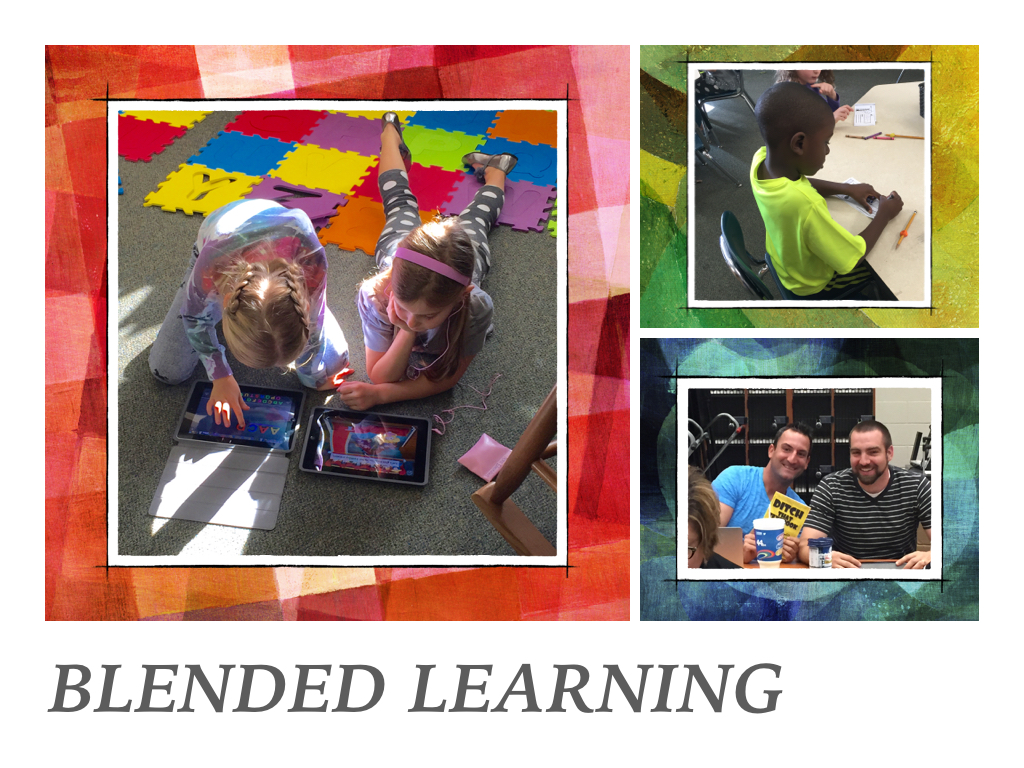
This is a fair question that deserves a thoughtful answer. In our next several posts, HSE21 Shorts will address the big idea of technology integration in grades K-4. We’ll consider our students, our world, and what research tells us about best practice instruction.PR.002We begin with experiences close to home. Twenty-three HSE K-4 teachers have spent the past semester piloting 1:1 iPads in their classrooms. Throughout this pilot, we’ve collected glimpses of classroom learning . Visit the HSE21 Media Vimeo channel. As you watch the short clips from this fall, attempt to pinpoint the reason technology was used in each learning experience. What was the point?


Native Grasslands, Part 2: Can Drones Deepen Learning?

Today’s post continues the story of impactful learning in a sixth-grade class. The goal: restore native species to a grassland area beside the school. If you haven’t seen Native Grasslands, Part 1, click here.

IMG_0146When the Grasslands project began, the class first generated questions. What information did they need to know in order to complete the project? How would that information be gathered? Some facts – like species native to the area – could be researched. Other information – like soil type – could be physically gathered through testing. To map the area, however, was a bit more complicated.

jahnprogrammersEnter one drone, purchased by Mr. Jahn through a generous educational grant from Forum Credit Union. Honestly, I initially visited Mr. Jahn’s class because I wanted to experience the drone. I wanted to understand if there were curriculum connections to be had with this unmanned aerial system – to see if drones really had potential to impact student learning. What I discovered amazed me. Let me assure the skeptics: there is much more to a drone than its ‘cool’ factor or its potential to deliver Amazon purchases. With the guidance of a great teacher, I learned that the drone can be a tool to deepen and extend learning way beyond what was possible before the Digital Age. And I was reminded that, when kids are engaged in meaningful activities, learning happens.

I asked Mr. Jahn to put into words how the drone has been used in the Grasslands project:

Mr. Jahn: “Before the grasses were cut, the high definition imagery allowed us to overlay known species and predict the total surface area or acreage of those species. [Then] the data and imagery collected allowed us to use software to create high resolution orthomosaics and relief maps.  We had help from a local drone company to create 3D and digital surface models (DSM) using the data we collected.”

HSE21: Awesome! Tell us more!

Mr. Jahn: “Drones can fly at much lower altitudes than manned aircraft and satellites to obtain incredibly detailed imagery, up to the 0.5 inch per pixel resolution that is required for precise modeling and measurement. My students use GPS and grids to set waypoints and determine flight paths.  All telemetry is monitored in real time and allows the students to change flight path if the operating environment changes.”

HSE21: I’ll trust you on the orthomosaic part. And the telemetry part. By the way, did you say that your students are sixth graders?

It’s easy to associate the tech-rich Native Grasslands project with STEM – science, technology, engineering and mathematics instruction – but the drone is sparking even more! Literacy-based and creative ideas from the students are connecting the project to other curriculum areas. The students now want to use drone footage to create promo videos. Students want to set up an online fundraising portal to expand their endeavors. (Plants do cost money.)

HSE21 will check back in with the class in the spring to see their progress. For now, here’s a peek behind the scenes (please pardon the wind and glare):

Native Grasslands, Part 1: What a Class!

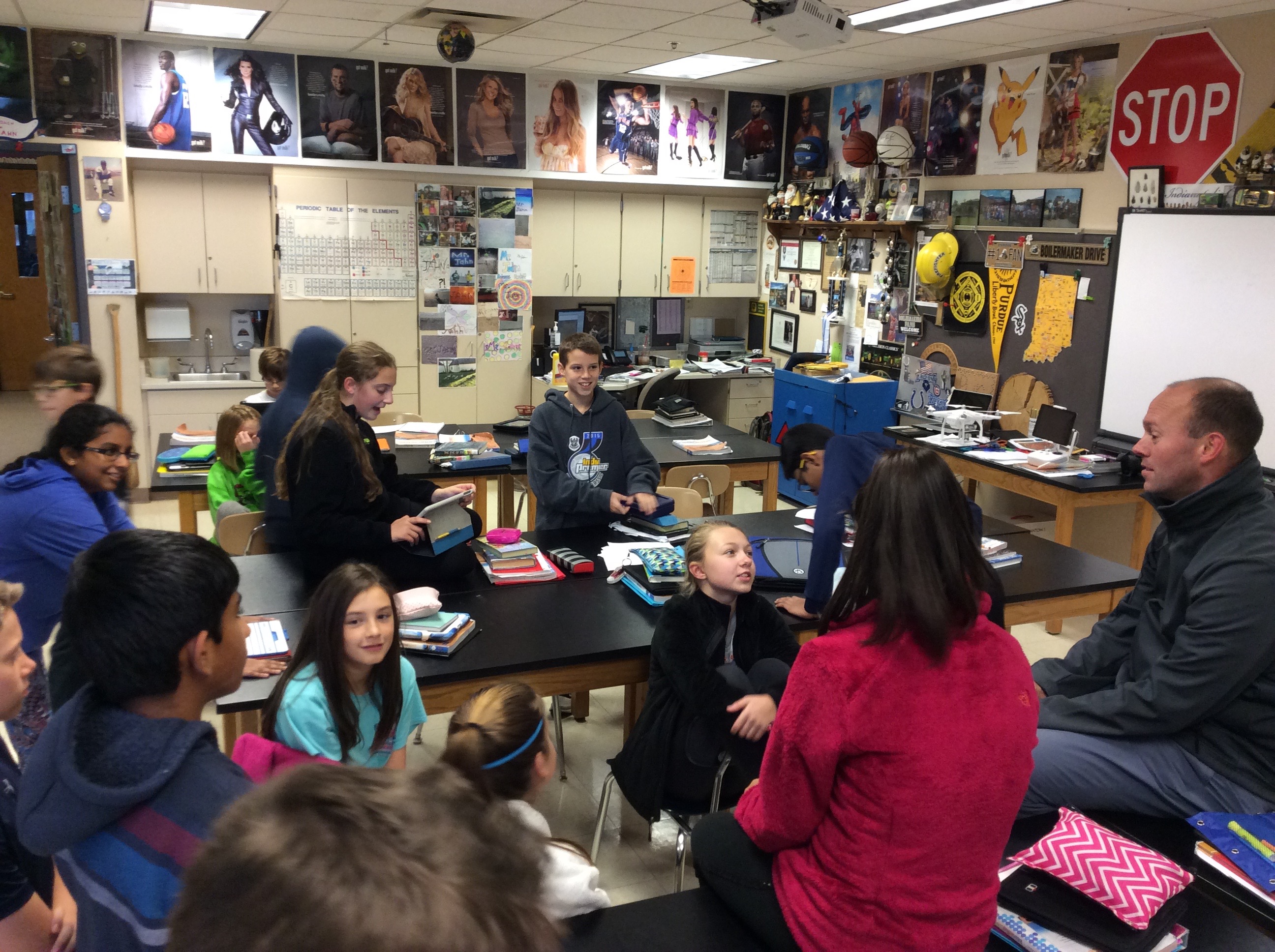
IMG_0162Walking into Adam Jahn’s class at Fall Creek Intermediate School felt like walking into the Apple Store on Saturday afternoon. The place was hopping with activity – very purposeful activity. Perhaps my quick appraisal of the setting was due to the fact that I already knew a special project was abrew. But, confirmation bias or not, these kids were clearly psyched about something, and were completely engaged in their tasks.

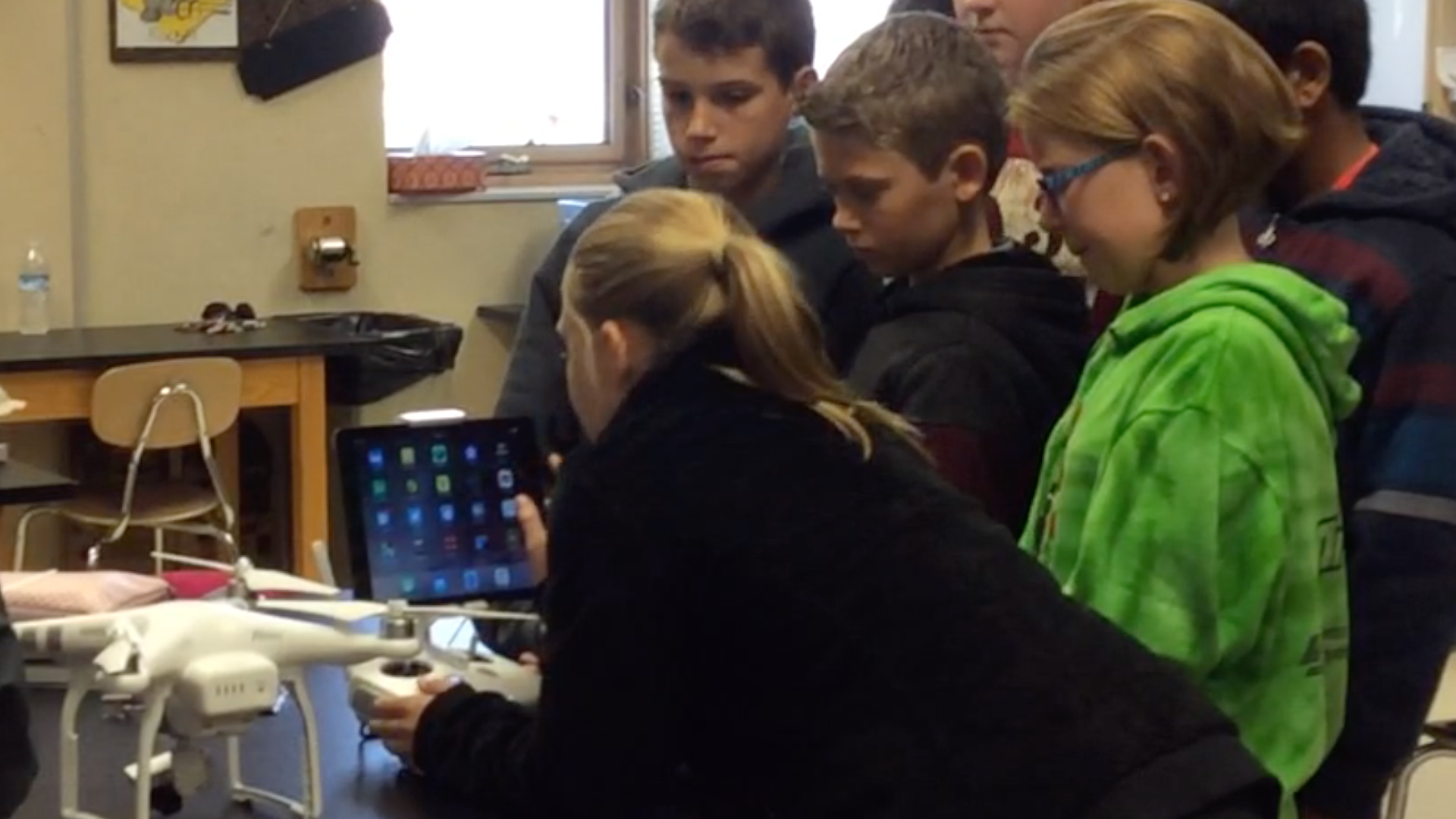
Several students talked softly with others while looking over some type of map. Two others were writing and drawing in a journal. Some looked to be researching on the Internet using iPads, and, at the far table, several students were working with an iPad connected to what looked like some type of controller. These students, I was told, were programming the drone for its upcoming flight.

IMG_0157All of this bustle was a part of something big. Mr. Jahn’s sixth-grade students are on a mission to reintroduce native plants to an open area next to the school. The area, thanks to nearby construction projects over several years, has been neglected until it has become, in the words of one student, “just a bunch of dirt and weeds.” The students hope that by the end of the school year they can reintroduce species that were in this field before the suburbs arrived. To reach their goal, however, will require commitment; students must research, budget, design, plan, secure funding, and work together to creatively solve problems along the way.

Working toward their goal, each student has become part of a small team based on his/her interests. One group is researching central Indiana flora to discover what native species should be planted. Some are testing soil. Thanks to drone data (more on this in tomorrow’s post), digital maps are being printed and labeled. This was what I observed in the classroom: students hard at work on their personal niche of the project.

Tomorrow: Native Grasslands, Part 2: Can Drones Enrich Learning? 
I was impressed just being in the classroom, but then I went outside for the drone flight…

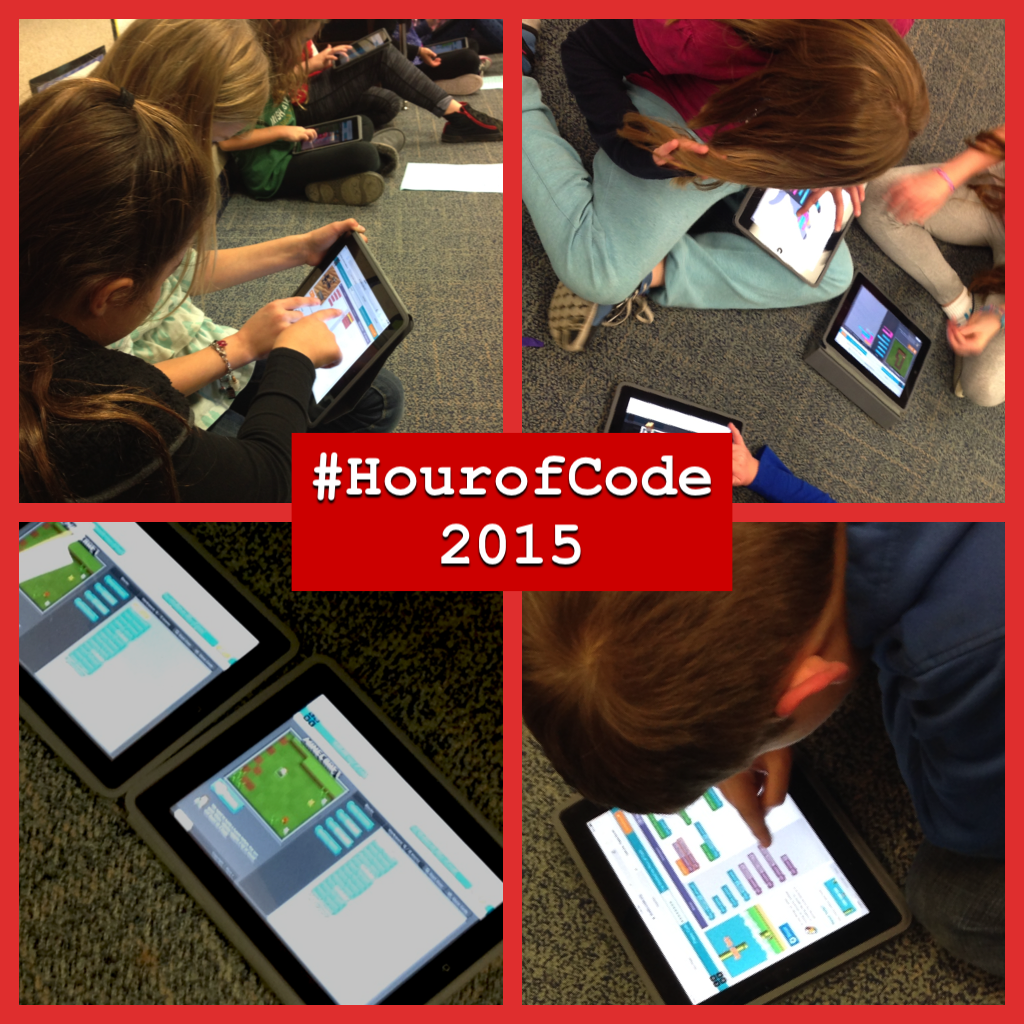
Second and Fourth Graders #HourofCode Together

Mrs. Ging (4th grade) and Mrs. VanWynsberghe (2nd grade) at Fall Creek Elementary are introducing computer coding this week in some major ways! Since both classrooms are 1:1 with iPads, it’s been easy to integrate 2015 Hour of Code activities into learning. Below, Sandy Van Wynsberghe describes this collaborative endeavor and how it is already impacting their classes. (And it’s only Tuesday of #HourofCode week!)

“We started Hour of Code week with some of the videos from Code.org.  These videos were our kick-off and explanation of what coding is all about. Since coding is a new endeavor for most of our students, we reminded them that it would be natural to make mistakes…many…as they are learning.  We often say that FAIL is not failure but a First Attempt In Learning!”

HourofCode FCE“With that background, we were ready to code! Each fourth grader partnered up with a second grader. The partners began by exploring Code.org together, sharing anything they already knew from the site and finding something they would like to learn together.  Over the next two weeks the student pairs will rotate through the following four activities:  Code.org, Hopscotch, Tynker, and Sphero.  Their mission is to  explore, inquire, and learn.  Since the students are taking their iPads home each night for “Ask Me About…”, our learning community is growing and continuing beyond the school day. Towards the end of this “Weeks of Code” activity, all of the students will have a time to share with each other what they have learned as well.”

“My my students are having a blast! The engagement and cooperation that I witnessed in my room was amazing. It is fun to listen to the conversations and watch the learning take place; and — I can only imagine what I will learn from these fifty-two students over the next ten days!”